Sep 28, 2026
Introducing Askify: Your AI-Powered Instagram Assistant
From smart filtering to custom Shopify integrations, here is how to put your routine messaging on autopilot.
The Backstory
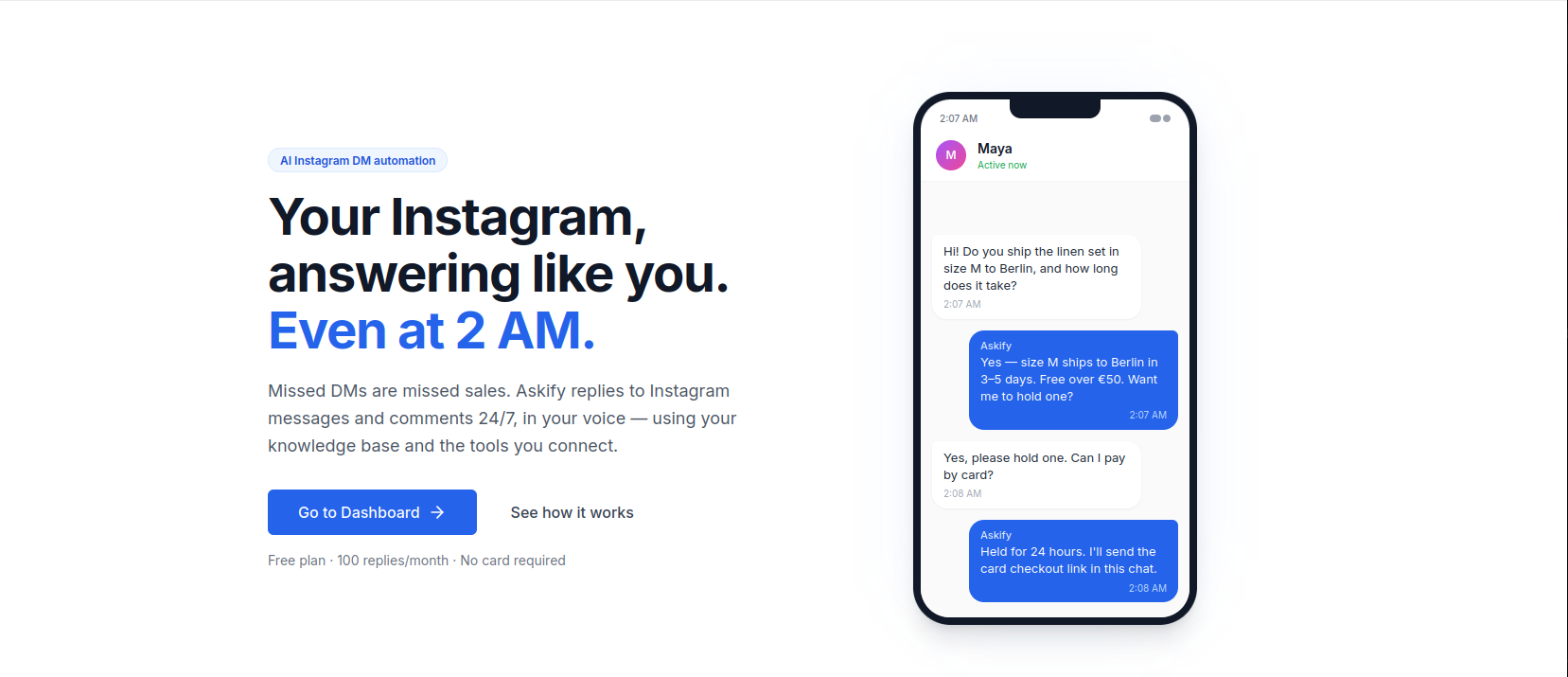
Askify started as a personal experiment. My inbox was constantly flooding with messages from colleagues, friends, and family. It got me thinking: What if a bot could handle my routine communications while keeping the tone so natural that it sounds just like me?
I wanted a solution that maintained a fast, natural conversation flow without requiring my constant attention — something that would step in with minimal guidance and only forward messages that truly needed my direct input. That vision became Askify.
I firmly believe that genuine human connection can never be replaced. However, modern platforms are heavily used for exchanging work updates, routine information, logistics, and quick inquiries — tasks that can and should be automated. Askify handles these operational messages for you, freeing up your time for meaningful conversations, high-priority work, or simply taking a break.
Why Focus on Instagram
Instagram has evolved far beyond a place for casual photos; it is now a central hub for creators, small businesses, and professional communication. It’s an environment where intelligent automation can save countless hours of manual effort, leaving more room for creative work.
How Askify Works
To get started, you simply need an Instagram Professional Account (a free built-in setting you can switch to and from in a single click).
- Switch to a Professional Account on Instagram
- Log in at Askify.store and click “Start for Free”
- Connect your Instagram Account to access your Dashboard3. Connect your Instagram account to access your Dashboard
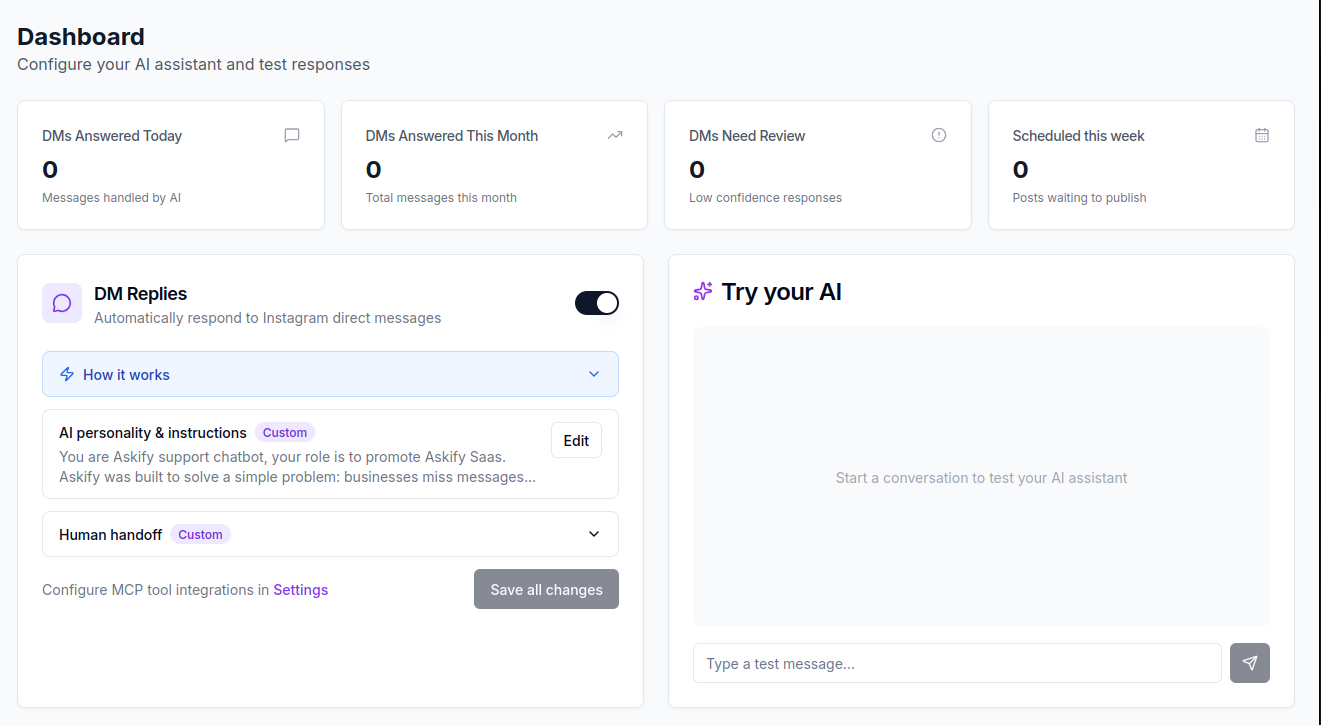
From your dashboard, you can track response statistics and configure your Instagram Direct Message (DM) rules:
- Custom Style & Tone: Specify how your bot should speak, what questions it should answer, and how to mirror your personal or brand voice.
- Smart Filtering: Define rules for which inquiries the bot handles automatically and which ones get escalated to you.
Testing Before Going Live: Unsure how your bot will handle a specific question or scenario? You can run a test drive anytime using the built-in Try your AI chat box. It allows you to simulate conversations, fine-tune your instructions, and see exactly how the AI will respond before deploying it to real users.
Grounded Answers via Your Custom Knowledge Base
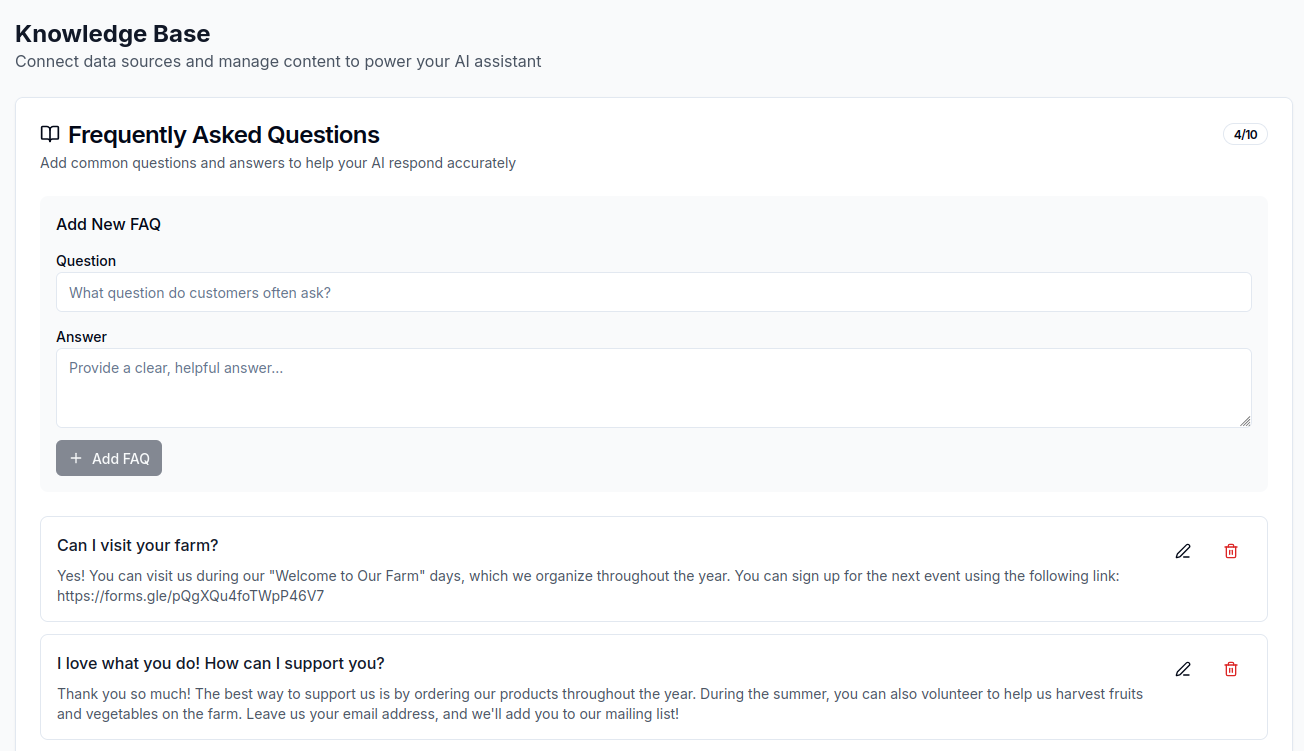
To ensure replies are accurate and relevant, you can train your bot using a custom Knowledge Base:
- Upload Context Documents: Add product catalogs, menus, event details, or service guides.
- Set Up FAQs: Add quick-reference information like business hours, location, or shipping policies.
- Integrate External Links: Provide links to Google Forms, scheduling tools, or external websites. For instance, if you are hosting an event, Askify can answer attendee questions and direct them straight to your registration form.
Safety & The Human Handoff Feature
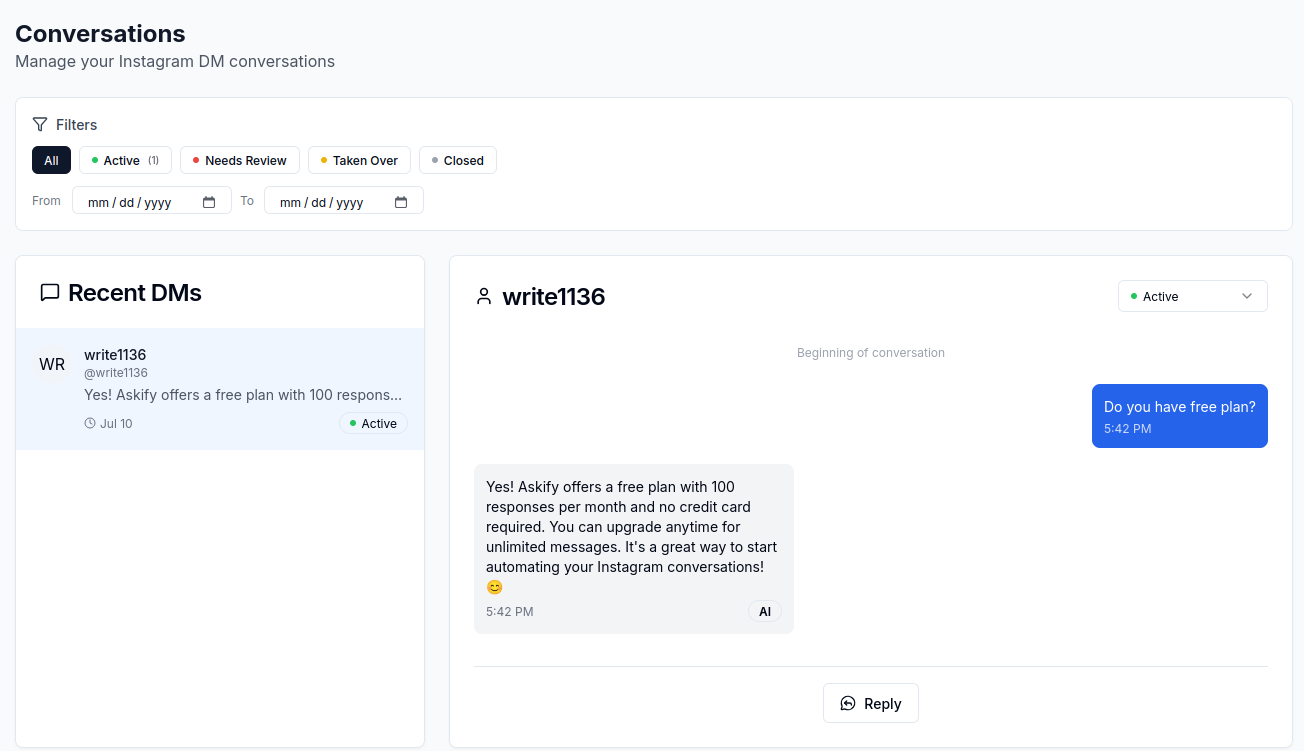
Behind the scenes, every incoming message is evaluated against your instructions and Knowledge Base before a draft is generated.
Askify is designed with safety limits: it will never reply to sensitive messages that require human judgment. When a complex query arrives, Askify triggers a Human Handoff:
- A customizable holding message is sent to the sender.
- The conversation is flagged as “Needs Review” inside your Askify workspace.
- From the Conversations tab, you can take over the chat directly, instruct the bot on how to continue, or close the thread.
Instagram Comment Management
Askify handles post comments with the same intelligence as DMs:
- Concise & Contextual: Generates short, relevant replies (1–3 sentences) using your Knowledge Base and full thread context.
- Strict Limits: Every comment receives exactly one reply, ensuring no duplicate actions or spammy behavior.
Advanced Tool Integration (MCP Support)
One of Askify’s most powerful features is support for external tools via MCP (Model Context Protocol) settings.
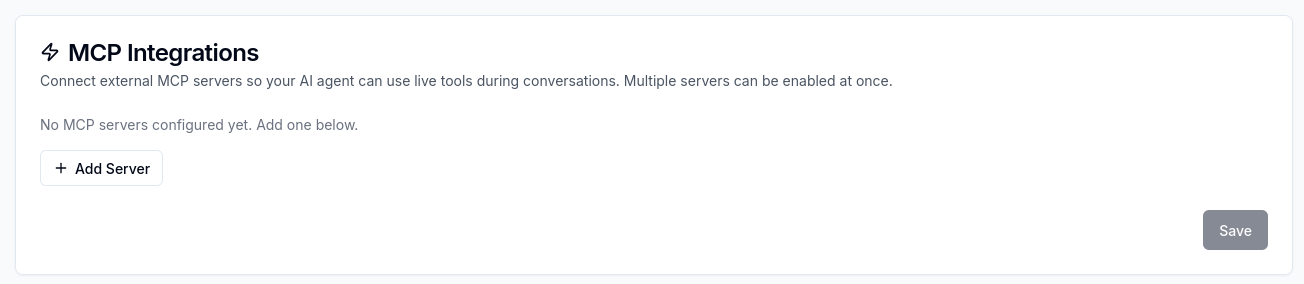
For example, e-commerce owners can connect Askify directly to their Shopify store. Once linked, your AI assistant can:
- Search store inventories in real time.
- Provide detailed product specifications.
- Manage customer shopping carts directly within Instagram.
Ready to Reclaim Your Time?
Getting started takes less than two minutes:
- Visit Askify.store and log in.
- Connect your Instagram Professional account.
- Start using all features for free — includes up to 100 automated messages or comments per month.
In upcoming posts, I will walk through real-world use cases, ranging from simple FAQ bots to advanced custom shop integrations. Have questions or feedback? Reach out directly at hello@askify.store or use the chat widget on our website!